POS Software · PakistanSell faster,
count less.
Point of sale software for shops and restaurants.
HSOLIT POS handles billing, receipt printing, inventory, customer credit and daily sales reports — all from one screen at the counter. Built for retail shops, marts and restaurants across Pakistan.
User Counters
Setup & Training
System Uptime
Support Response
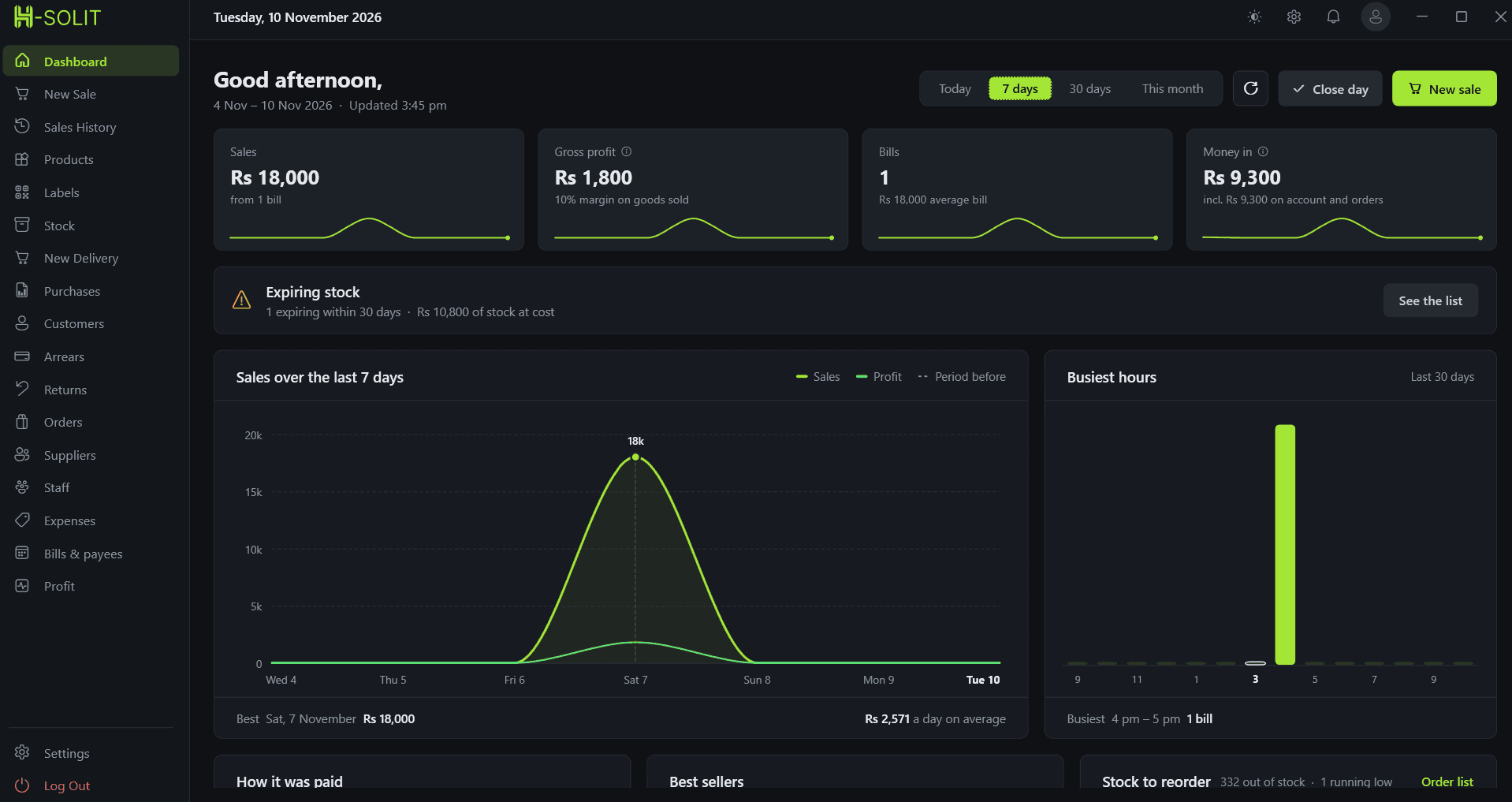
+ Software Preview
Built for the counter.
Clear, quick, and keyboard-friendly — designed so a new cashier can bill confidently on their first day.
+ Everything You Need
Features — the whole counter, in one place
+ Pricing Plans
Transparent, flexible pricing.
Every feature is on both plans — pick where your data lives. Keep it on your own computer, or back it up to the cloud. Pay yearly and save 20%.
Free Trial
The whole system, nothing held back
No card required
- Every Feature Unlocked
- Billing & Receipt Printing
- Inventory & Purchases
- Set Up With Your Real Products
- Guided Setup Call
- Keep Your Data If You Stay
Local
Your data stays on your own computer
Billed every month
- Data Stored on Your Computer
- Every POS Feature Included
- Billing & Receipt Printing
- Inventory & Purchases
- Customer Credit & Dues
- Expenses & Sales Reports
- Setup, Training & Support
Cloud
Everything backed up to the cloud
Billed every month
- Automatic Cloud Backup
- Every POS Feature Included
- Billing & Receipt Printing
- Inventory & Purchases
- Customer Credit & Dues
- Expenses & Sales Reports
- Setup, Training & Support
Running multiple branches, or need something tailored? Contact us.
+ Common Questions
Questions shop owners ask.
What is POS software?
POS (point of sale) software runs the counter of a shop or restaurant — it bills each sale, prints the receipt, takes the item out of stock, keeps customer credit, and reports daily sales and profit. It replaces the cash register, the calculator and the stock notebook.
How much does POS software cost in Pakistan?
HSOLIT POS starts at PKR 1,500 per month with your data stored on your own computer, or PKR 4,500 per month with automatic cloud backup. Both plans have exactly the same features, paying yearly takes 20% off, and there is a 7-day free trial with every feature unlocked.
What is the difference between the Local and Cloud plans?
Only where your data is kept. On the Local plan everything is stored on the computer at your counter. On the Cloud plan it is also backed up to the cloud automatically, so your sales and stock records are safe even if that computer is lost or breaks. Every feature is the same on both.
Which businesses is it for?
General stores, marts, clothing and shoe shops, electronics and mobile shops, bakeries, cafes and restaurants — any business that sells over a counter and needs fast billing with stock that stays accurate.
Can I track udhaar and customer dues?
Yes. Regular customers can buy on credit, and the system keeps a running balance of who owes what. You can settle a balance in full or in part, and the dues screen shows every outstanding amount at a glance.
Does it work with a receipt printer and barcode scanner?
Yes. It prints to standard thermal receipt printers and works with USB barcode scanners, so scanning an item adds it straight to the bill.
How long does setup take?
Most shops are billing the same day. We load your products, prices and opening stock, then walk your cashiers through it on a guided call. If you are in Gujrat or nearby we can do it on site.
+ Get Started Today
Ready to run a
faster counter?
Book a free demo and see the system in action. Our team will set it up around your products, prices, and opening stock.